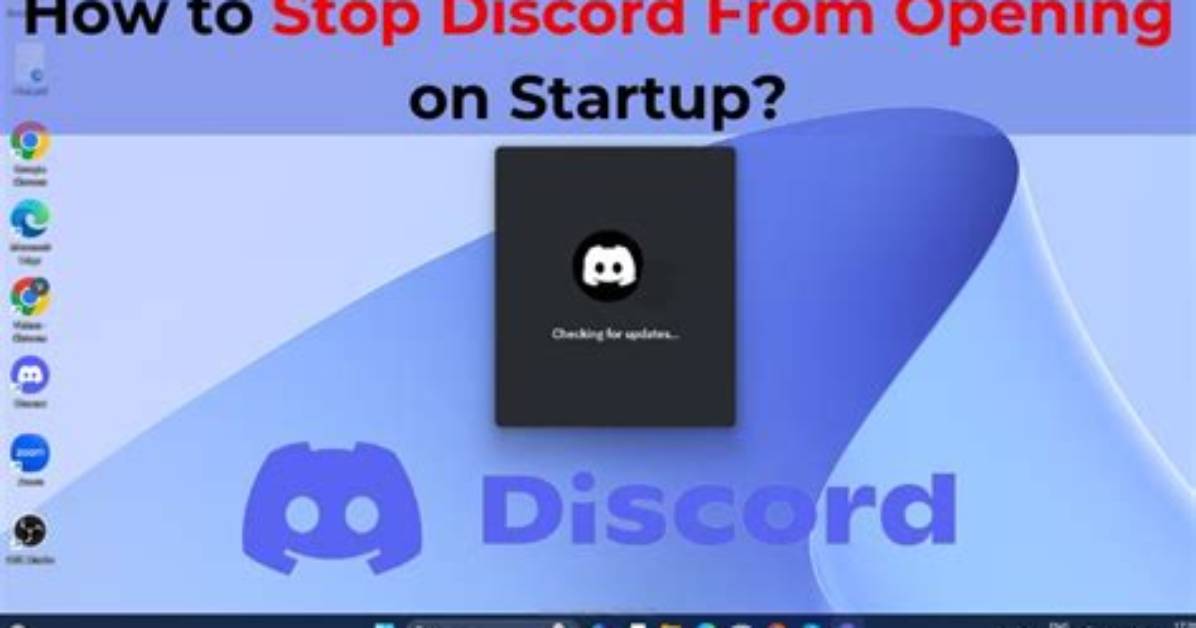
Discord has made it incredibly simple to change its startup options right in the app. To do this, start by opening Discord and selecting the gear icon next to your username at the bottom of the screen. This will open your User Settings.
From here, scroll down until you see "Window Settings" on the left-hand side of the screen. Click on it.
Under Window Settings is a section titled "System Startup Behavior." If you don't want Discord to start up when you open your computer, make sure "Open Discord" is deselected.
If you don't mind Discord opening when you open your computer, you also have the option to set the app so that it doesn't open a window on your desktop, but sets the app to run in the background. If you want to do this, just make sure "Start Minimized" is selected.

