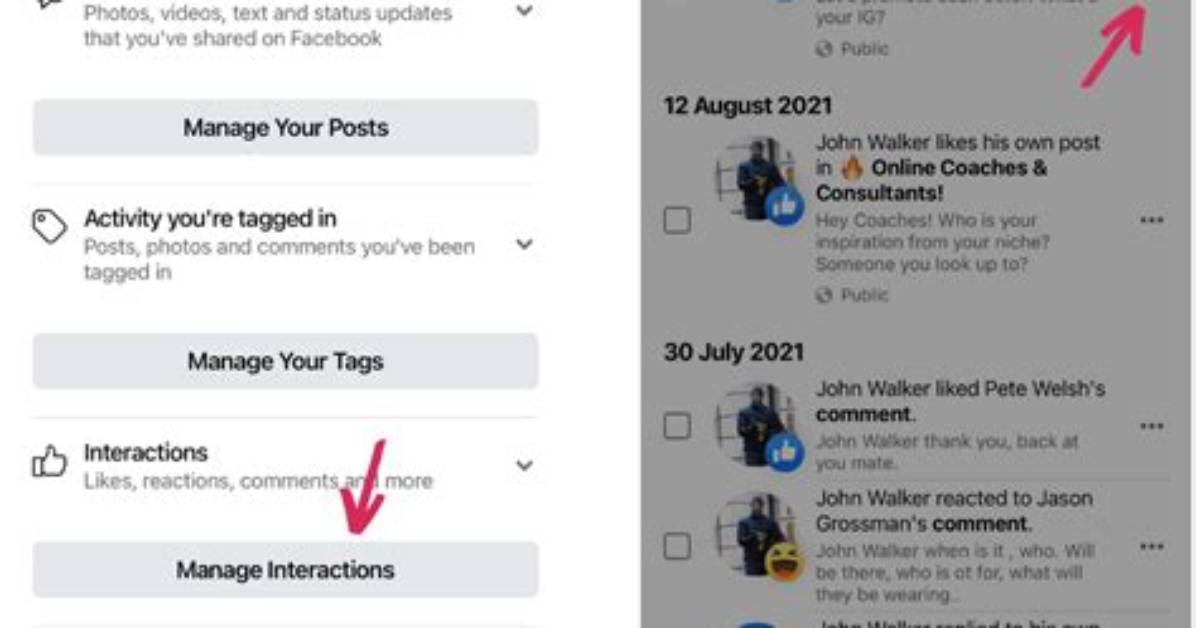
When it comes to managing your liked posts on Instagram, the platform offers various options to make it easier for you to navigate through your saved content. You can sort and filter your liked posts based on your preferences, allowing for a more organized and personalized experience.
Sorting Liked Posts
One way to enhance your browsing experience is by sorting your liked posts on Instagram. With this feature, you can choose the order in which your posts are displayed. Whether you want to see the most recent posts at the top or the oldest ones first, Instagram gives you the flexibility to customize your feed.
Example: Sarah wants to see her most recent liked posts on Instagram. By sorting her liked posts in descending order based on the date of liking, she can easily access her recent favorites without scrolling through her entire collection of liked posts.
Filtering Liked Posts
In addition to sorting, Instagram provides a filtering option for your liked posts. This allows you to refine your search and view only the posts that meet specific criteria. One useful filtering option is the ability to set a time span, allowing you to see only the posts you liked during a particular period.
Example: John wants to find the posts he liked during his recent vacation. By applying a specific time filter, he can narrow down his liked posts to only those from his vacation period, making it easier and more convenient to reminisce about his trip.
Furthermore, Instagram offers the ability to filter your liked posts by author. This means that you can choose to view only the posts of a particular user that you have liked. This feature is especially handy if you want to revisit the content of a specific user without scrolling through your entire liked posts section.
Example: Emily wants to see all the posts she has liked from her favorite photographer on Instagram. By filtering her liked posts by the photographer’s username, Emily can quickly access and enjoy the captivating images she has shown her appreciation for.
By utilizing the sorting and filtering options provided by Instagram, you can easily organize and customize your liked posts section according to your preferences. Whether you want to view your most recent likes, filter them by time span, or explore posts from specific users, these features make it convenient to navigate through your collection and revisit your favorite content.
Sorting and Filtering Options on Instagram
| Sorting | Filtering | Example |
|---|---|---|
| Order posts by date (recent to oldest or vice versa) | Set a time span for displaying liked posts | Viewing posts liked during a vacation period |
| Filter by author | Seeing the posts liked from a particular user |

